Kivy UI
The Kivy UI provides a native desktop application for astrological chart visualization with embedded interactive charts.
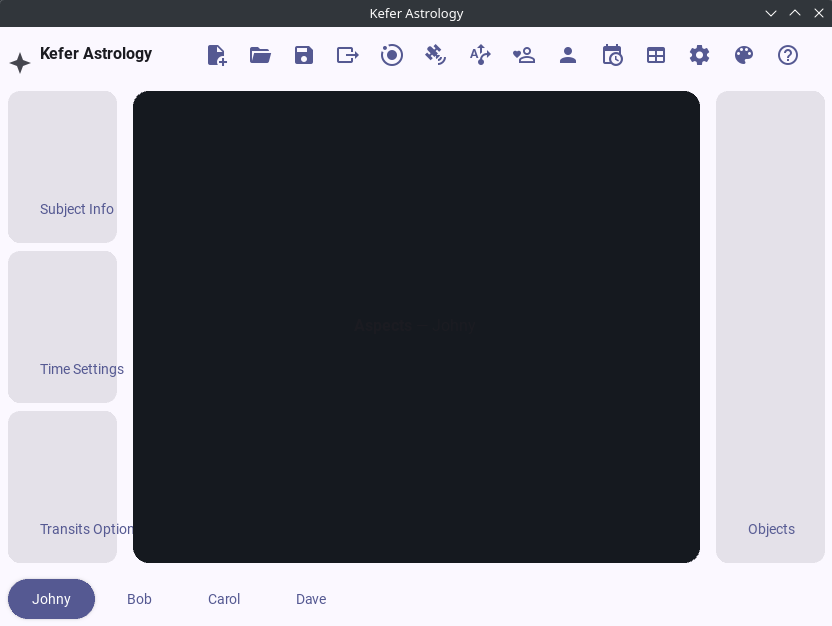
How to Run
Prerequisites
Install Kivy and required dependencies:
pip install -r requirements/kivy.txt
For embedded interactive Plotly charts, install the WebView widget:
pip install kivy-garden
garden install kivy_garden.webview
Starting the Application
Run the Kivy interface:
python -m module --kivy
Features
- Native desktop application
- Embedded interactive Plotly charts (with WebView)
- JPL engine toggle
- Standardized Radix chart renderer
- Cross-platform support (Windows, macOS, Linux)
Configuration
- Default JPL ephemeris file:
source/de421.bsp - Chart files are saved to the workspace directory
- If WebView is unavailable, charts open in the default browser
Troubleshooting
- Unknown class
WebView: Install viagarden install kivy_garden.webview - JPL not active: Ensure
skyfieldis installed andsource/de421.bspexists - Chart opens in browser: WebView widget not installed (this is a fallback behavior)